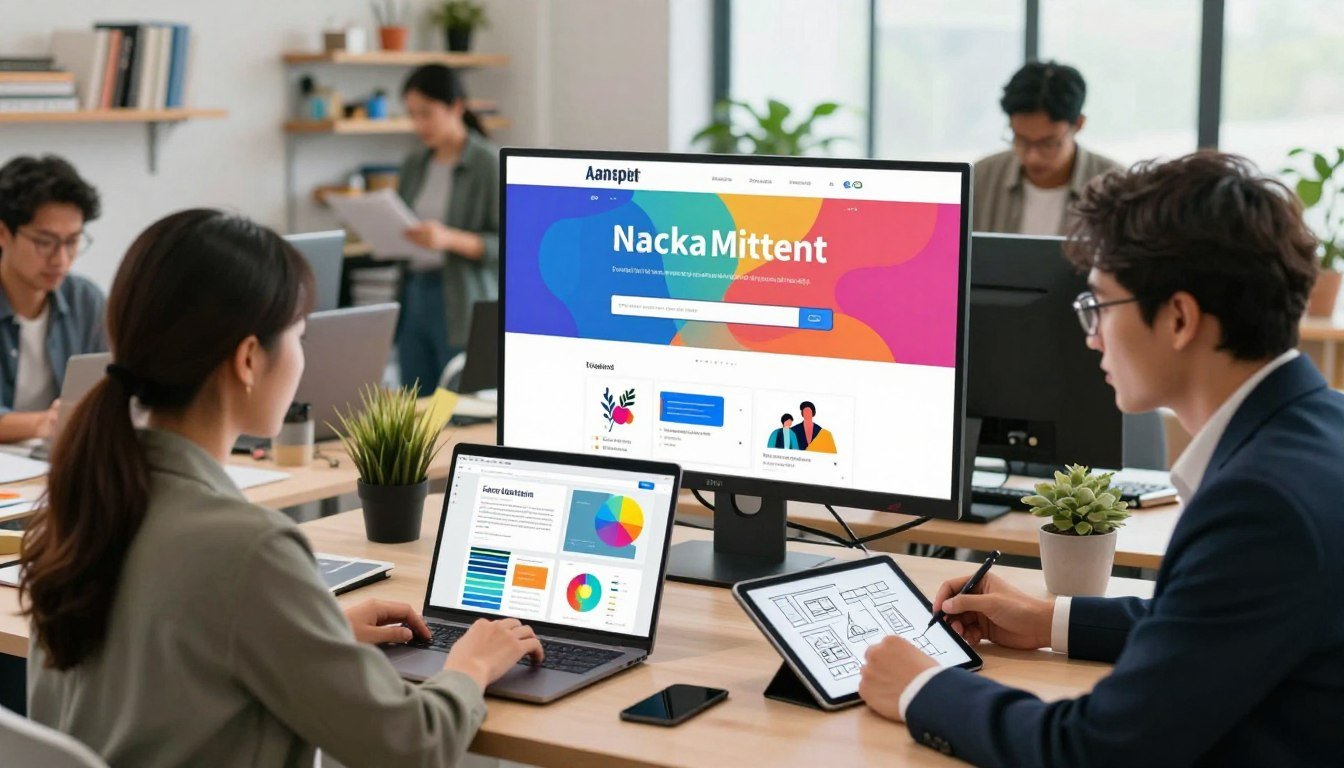
What if you could build a professional online presence without touching a single line of code? Many believe that stunning design requires expensive experts or complex software. This platform challenges that notion head-on.
Renderforest is an all-in-one online platform built to empower entrepreneurs and creators. It turns ambitious ideas into reality. You get tools for professional-grade websites, engaging videos, and sharp logos.
The process is built on a template-based, user-friendly interface. It prioritizes speed and simplicity. This makes it a powerful ally for small businesses and solo creators on a budget.
This article is a straight-talking review. We will analyze if this tool lives up to the hype. You will learn exactly who gets the best value from its evolving suite of features.
The service has grown from a simple video maker into a complete branding toolkit. Its vast library and AI-powered options are key selling points for modern content creation.
Key Takeaways
- Renderforest is a comprehensive online platform for building websites, videos, and logos.
- It is specifically designed to help small businesses and content creators.
- No prior technical skills or design experience is required to use it effectively.
- The platform uses professional templates to deliver high-quality results quickly.
- It has evolved from a video creation tool into a full branding and marketing suite.
- AI-powered features and a massive template library are central to its offering.
- This review will provide a detailed analysis to help you make an informed decision.
What is Renderforest? An All-in-One Platform Overview
The platform began with a simple goal: to democratize professional video creation. Founded in 2013, it started as a specialized tool for making animated clips and presentations.
Over time, it expanded into a full branding suite. Today, it offers tools for logos, websites, mockups, and graphics alongside its original video maker.
From Video Maker to Branding Suite
This evolution was driven by user needs. Small business owners and creators needed more than just videos.
They required a cohesive visual identity. The service responded by adding a website builder and a logo designer.
It now positions itself as a one-stop shop for digital branding. This integrated approach saves users significant time.
The Promise: Professional Design Without Skills
The core value proposition is accessibility. You do not need a background in design or coding.
A massive library of over 50,000 pre-made templates powers this promise. Users customize these professional designs through a guided, intuitive interface.
This method delivers quality results quickly. However, it trades some deep creative control for ease of use.
The focus is on efficient production, not unlimited artistic freedom.
Target Audience: Small Businesses and Content Creators
The ideal user is clear. Solopreneurs, local shop owners, educators, and social media managers fit the profile perfectly.
These individuals have tight budgets and lack a dedicated design team. They need to produce marketing videos, a simple website, or a logo without a major investment.
Renderforest caters directly to these practical needs. It is less suited for large agencies or brands with very specific, complex requirements.
For its target market, the platform offers a compelling cost-effective solution to establish a professional online presence.
Core Features and Creative Tools
The real power of this platform lies in its integrated creative tools. Each is built for a specific branding task.
These features connect to form a complete workflow. You can start with a logo and end with a promotional video.
Video Creator and Template Library
This is the flagship tool. It provides access to a sea of professional video templates.
The library holds over 50,000 options. Categories include explainer videos, promotions, and music visualizations.
You also find tools for slideshows and presentations. The built-in editor allows for basic editing.
You can trim clips, split scenes, and adjust color. Final exports can be in full HD up to 60 FPS for a sharp end product.
Logo Maker and Brand Identity Tools
Building a visual identity starts here. The process is template-based for speed.
You browse categories and customize a chosen design. Changes to colors, fonts, and text are simple.
The tool outputs logo files in multiple formats. This covers use cases from websites to print materials.
It is a practical solution for establishing a basic brand look quickly.
Website Builder and Mockup Generator
This feature turns your brand into an online presence. It uses a straightforward drag-and-drop interface.
You select from responsive website templates. Then you customize pages with your own text and images.
A key advantage is integration. You can easily use logos and videos made in other parts of the platform.
This creates a cohesive brand experience from the end user’s first click. A mockup generator is also included for showcasing product designs.
AI-Powered Features: Image and Reel Creation
Modern content needs modern tools. AI capabilities are now part of the creative suite.
An AI image generator can produce unique graphics from a text prompt. This is useful for blog posts or social media.
The AI Reel maker helps craft trendy short-form video content. It automates parts of the editing process.
These features aim for speed. They are ideal for generating supplemental animations and graphics on demand.
Together, these tools form an interconnected solution. The goal is to streamline the entire content creation workflow.
A small business can move from logo design to a live website and a promotional explainer video. This happens inside one ecosystem.
The product suite is built for efficiency over unlimited customization. For its target user, this integrated approach is often the right fit.
Renderforest Mobile App: Editing On the Go
For creators constantly on the move, the mobile version offers essential editing tools right in your pocket. This iPhone application extends the web platform’s functionality to your smartphone.
It enables quick content creation from anywhere. You can work on projects while commuting or during downtime.
Key App Capabilities: Intros, Animations, and Reels
The mobile app focuses on specific video formats. You can create professional intros and outros for your content.
Animated explainer clips are also supported. The toolset includes templates for trendy social media reels.
Basic video editing functions are available too. You can trim clips and add text overlays directly from your phone.
The variety of templates is impressive for a mobile tool. This allows for quick production without starting from scratch.
User Experience: Praise for Convenience and Quality
Many users highlight the app‘s convenience. They appreciate creating content while watching TV or traveling.
The cloud rendering feature receives positive feedback. You get notifications when your video is ready for download.
Output quality surprises many reviewers. Videos look sharp even when using lower export settings.
This makes the app valuable for rapid content needs. The overall response from casual creators is largely positive.
Reported Issues: Bugs and Integration Problems
However, the mobile experience has notable flaws. Some users describe the app as buggy and unrefined.
Editing sessions may freeze unexpectedly. This disrupts the creative workflow on smaller screens.
Music integration causes specific headaches. The Apple music library connection often fails to work properly.
Free templates carry prominent watermarks. This limits the app‘s usefulness without a paid subscription.
The development team shows an active response to these issues. Regular updates like version 5.5.1 promise performance improvements.
These updates consistently mention bug fixes and new features. This indicates ongoing work to enhance the mobile app‘s stability.
For now, the web platform remains more reliable for complex projects. The mobile app serves best for quick edits and inspiration.
Consider your primary needs before relying solely on the smartphone version. The quality of output is good, but the process can be frustrating.
Advantages of Using Renderforest
For many professionals, finding tools that simplify complex tasks without sacrificing quality is the ultimate goal. This platform delivers several clear benefits that make it stand out for specific users. Understanding these advantages helps you decide if it matches your creative workflow.
Speed and Ease of Use for Beginners
The most praised aspect is how quickly beginners can produce results. You don’t need design experience to use Renderforest effectively from day one.
The interface guides you through each step with clear prompts. This easy use approach means you can create presentable content in minutes rather than hours.
Marketing teams report slashing production time dramatically. They create social media campaigns without waiting for freelance designers.
This efficiency helps create a consistent content pipeline. Even complex projects become manageable with the right template.
Vast Library of Professional Templates
Access to thousands of pre-designed templates is a game-changer. This library provides a jump-start on professional aesthetics across all media types.
You find options for videos, websites, and logos in one place. A 3D mapping professional famously called the collection a “godsend” for quick projects.
The quality of these templates ensures your output looks polished. This solves the major hurdle non-designers face when building their brand identity.
You never have to start from a blank canvas. This advantage alone justifies why many choose to use Renderforest for their basic needs.
Cost-Effective for Basic Video and Design Needs
For small businesses, the financial comparison is compelling. This service costs far less than hiring multiple specialists or buying separate software.
The subscription covers all major creative tools in one package. You get video editing, web design, and logo creation without extra fees.
This makes it ideal for high-volume content like daily social posts. The easy use model means you don’t waste money on unused complex features.
You can produce stunning videos without expensive equipment or software. The platform helps create professional results on a modest budget.
Positive Customer Support Experiences
Reliable support adds significant value to any online service. Users consistently praise the responsive and helpful assistance team.
Many issues get resolved within hours, not days. You won’t have to sorry hear about ticket backlogs or automated responses.
Reviewers describe the team as “very warm and attentive” in solving problems. This customer appreciation builds trust in the platform’s reliability.
When technical questions arise, you receive clear guidance. The support helps create a smoother experience overall.
You rarely need to sorry hear that fixes will take weeks. Most concerns get addressed during the initial contact.
The team’s dedication to user satisfaction is notable. This turns potential frustrations into positive resolutions that strengthen loyalty.
For producing stunning videos quickly, the combination of templates and support works well. The overall easy use philosophy extends to getting help when needed.
You can confidently use Renderforest knowing assistance is available. This eliminates the worry of being stuck with unresolved technical problems.
It’s refreshing when you don’t have to sorry hear excuses for poor service. The platform delivers on its promise of accessible creative tools with proper backing.
The Drawbacks and Common Complaints
Behind the polished templates and quick results lies a series of common complaints that potential users should know. A balanced review must address these pain points honestly.
Understanding these issues helps you make an informed decision. It prepares you for potential frustrations in your creative experience.
Pricing Complexity and the Credit System
The credit system causes significant confusion for many users. Credits act as the currency for exporting videos and using premium assets.
Tracking your consumption in real time is difficult. Users on paid plans still report hitting unexpected limits mid-project.
This creates an unpredictable experience. You might think you have enough credits, only to find your balance depleted.
The advertised low prices often require an annual commitment upfront. This “annual payment trap” isn’t always clear during sign-up.
Monthly rates are substantially higher. This pricing structure catches some subscribers by surprise.
Template Limitations and Lack of Customization
Templates provide a great starting point. However, they can become a creative prison for those needing unique designs.
Deep structural changes to templates are often impossible. You cannot easily move elements outside predefined zones.
This limits your ability to create truly brand-specific visuals. The service prioritizes speed over artistic freedom.
Recent changes removed helpful functions like auto-generate for slideshows. Now you must manually select every scene, wasting valuable time.
The platform offers no offline functionality at all. This is a major drawback for users with unreliable internet connections.
Subscription and Billing Controversies
Billing practices generate considerable negative feedback. Aggressive auto-renewal policies are a frequent complaint.
Many users report difficulties in canceling subscriptions or obtaining refunds. Trustpilot reviews highlight these frustrating experiences.
The service makes it challenging to understand what you’re actually paying for. Plan limitations aren’t always transparent before purchase.
Some subscribers feel misled by the marketing. They discover key features require additional credits or higher-tier plans.
This creates distrust in the overall service model. Clear communication about billing would improve the user experience.
Technical Glitches and Performance Issues
Reliability problems disrupt the creative workflow for many. The editor is known to freeze unexpectedly during time-sensitive projects.
Rendering issues occur, especially during peak usage times. Your video export might fail or take much longer than promised.
Browser-specific performance problems add another layer of frustration. The service may work fine in one browser but crash in another.
These technical hiccups waste precious time and creative energy. They contradict the platform’s promise of seamless, easy creation.
User feedback consistently mentions these stability concerns. Addressing them should be a priority for the development team.
This honest review of drawbacks ensures you enter with realistic expectations. Knowing these common complaints helps you plan accordingly.
Your overall experience will be smoother if you anticipate these potential issues. Consider this feedback as part of your evaluation process.
Renderforest Pricing Plans: A Detailed Breakdown
The pricing structure often determines whether a tool provides genuine value or becomes a hidden expense. This analysis cuts through marketing claims to reveal the actual costs and limitations of each tier.
You need to understand what you’re buying before committing funds. The advertised rates come with important conditions that affect your budget.
Free Plan: Heavily Restricted with Watermarks
The free tier serves as a basic trial, not a production tool. It allows you to test the interface with minimal functionality.
You get one-minute videos at 360p resolution with 300MB storage. Every export carries prominent watermarks across the screen.
This makes the free version unsuitable for any professional or public use. Consider it a demo to understand the workflow before investing.
Creating a free account gives you access to basic templates. However, the output quality won’t meet commercial standards.
Lite, Pro, and Business Tiers: What You Really Get
Paid plans remove watermarks but introduce other restrictions. The Lite plan costs $24.99 monthly with annual billing.
It provides 5-minute videos at 720p HD with 10GB storage. A critical limitation is the monthly cap of only 10 HD video exports.
The Pro tier increases this to 15-minute videos and 20GB storage for $34.99 monthly. You still face a limit of 30 HD videos per month without 4K resolution.
The Business plan unlocks full capabilities for $54.99 monthly. This includes 60-minute videos, 4K resolution, 100GB storage, and unlimited exports.
Small teams must track their monthly output carefully. Exceeding video caps requires upgrading your subscription mid-cycle.
The Annual Commitment and True Cost of Ownership
The advertised prices require paying for a full year upfront. Monthly rates are significantly higher if you choose flexible billing.
Your true annual investment starts at $157.08 for Lite, $235.68 for Pro, or $329.88 for Business. Calculate this against your expected video production volume.
Review the service terms regarding auto-renewal policies. Many users report difficulties adjusting or canceling their subscription later.
Consider your growth trajectory when selecting a plan. A business producing daily content needs the unlimited exports of the top tier.
Solo creators might manage with Lite initially. However, hitting monthly caps forces expensive upgrades that disrupt budgeting.
Evaluate whether the platform’s template-based approach justifies the annual commitment. Compare costs against specialized tools for specific needs like video editing or web design.
The business case depends on your output frequency and quality requirements. Calculate ROI based on time saved versus the total subscription cost.
Ensure you understand all plan terms before providing payment information. Proper planning prevents unexpected expenses from derailing your creative workflow.
User Reviews and Real-World Experiences
1.
Renderforest for Video Creation: Strengths and Weaknesses
Video production demands both creative vision and practical execution tools. This focused evaluation examines the platform’s core competency as a video maker. We assess where it excels and where significant limitations appear.
Explainer Videos and Promotional Content
The service shines for rapid social media and promotional content creation. Its template library provides a polished starting point for explainer videos and ads.
You can produce professional-looking marketing clips in minutes. This speed benefits small businesses needing consistent content.
The explainer videos templates work well for product demonstrations. They guide viewers through features with clear animations.
Promotional ads gain immediate visual appeal. The platform handles the heavy design lifting for you.
However, the removal of the auto-generate function for slideshows increased creation time. You must now manually select every scene.
Music Visualizations and Slideshow Makers
Specialized tools serve specific content needs effectively. The music visualizer creates engaging lyric videos and concert clips.
Wedding photographers use slideshow makers for client montages. Business professionals build presentations quickly.
These tools offer easy use with template constraints. You work within predefined structures rather than creating freely.
The music tracks may have geographic licensing restrictions. Always verify usage rights for commercial projects.
For basic presentations and montages, the tools deliver satisfactory results. Complex projects require more flexibility.
Resolution Limits and Export Restrictions
Technical limitations impact final output quality significantly. Some templates max out at 720p resolution regardless of your plan.
True 4K access requires the Business tier and supporting templates. The term “HD” doesn’t always mean 1080p quality.
Free plan exports carry prominent watermarks. This makes trial versions unsuitable for professional use.
Monthly video export caps exist on lower-tier plans. You might hit limits during busy production periods.
These restrictions affect different users uniquely. A musician needing high-quality music videos faces more barriers than a teacher creating lesson recaps.
For standard-definition social media content, the platform performs strongly. The template approach delivers polished animations quickly.
High-fidelity custom projects encounter significant walls. Resolution limits and export caps hinder professional production.
Consider your output requirements carefully. The tool serves best for rapid, template-based video creation rather than cinematic projects.
Your final decision should balance speed needs against quality demands. Many users find the middle ground acceptable for their marketing needs.
Creating a Logo and Brand Identity
First,Choose a
Building a Website with Renderforest
Evaluating a website builder means balancing initial ease against future growth needs. The integrated tool within this suite promises a straightforward path to a live site.
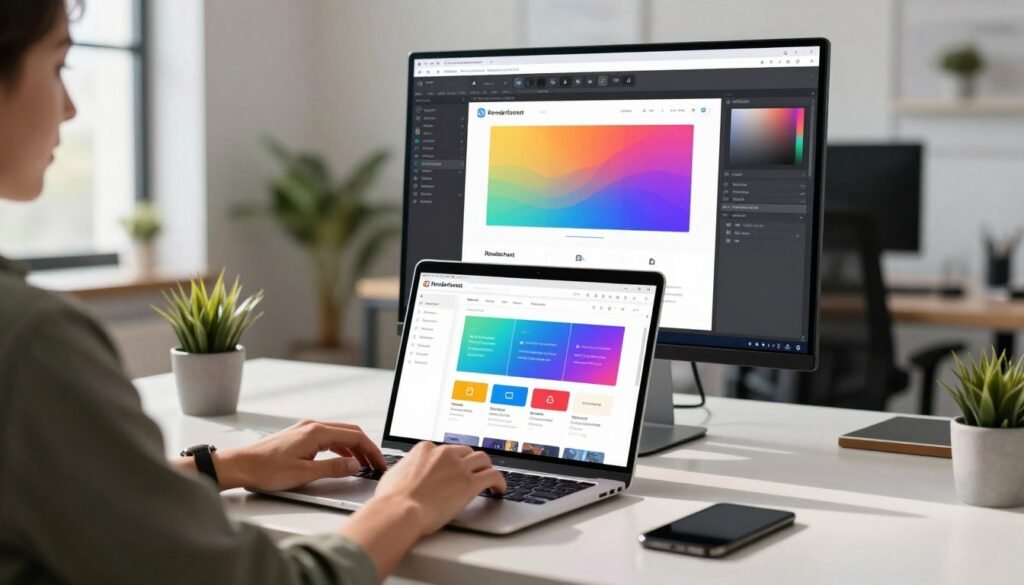
It is designed for users who prioritize speed over deep technical control. This approach defines its strengths and reveals clear boundaries.
Ease of Use for Simple Sites
The drag-and-drop editor makes launching a basic site remarkably simple. You can have a brochure website or portfolio online in an afternoon.
This is ideal for a small business establishing its first digital footprint. The interface guides you clearly from template selection to publishing.
You do not need any coding knowledge. The platform handles the technical hosting and setup behind the scenes.
For a simple online presence, this user-friendly approach is a significant advantage. It turns a complex project into a manageable task.
Template Selection and Customization Scope
You begin by choosing from a curated set of responsive website templates. These provide a professional-looking structure instantly.
Customization options within a template are specific. You can fully change images, text, colors, and section order.
However, the underlying layout and grid structure are typically locked. You cannot easily create entirely new page sections or interactive features.
The scope is best for content replacement, not architectural redesign. This suits users happy to work within a proven design framework.
It meets the basic needs for a clean, modern site. Demanding brands may find the template constraints too limiting.
Limitations for Complex or Growing Businesses
The tool faces clear hurdles for scaling business operations. Advanced e-commerce capabilities are not its focus.
You will find limited third-party app integrations. This restricts connecting specialized tools for marketing or sales.
Built-in blogging tools are often basic. They lack the depth required for serious content marketing strategies.
There is typically no option to inject custom HTML, CSS, or JavaScript. This blocks advanced functionality and unique design tweaks.
A growing company will likely outgrow this platform quickly. The very simplicity that helps at launch becomes a barrier later.
Your long-term business needs should guide your choice. This service is a great launchpad for a first website.
For scalability and control, consider dedicated platforms like WordPress, Shopify, or Webflow. They offer the advanced features a complex business requires.
The end recommendation is transactional. Choose this builder for simplicity and speed.
Look elsewhere if your project demands specific integrations or must break from template structures. Plan for your future needs from the start.
Renderforest vs. The Competition
A direct comparison reveals the true value proposition of each service. The design tool market is full of strong alternatives.
Your choice depends on your budget, skill level, and project complexity. We will analyze key competitors to show where this platform fits.
Canva: The All-Round Design Challenger
Canva is often the first alternative users consider. It dominates the general graphic design space for a reason.
Its free tier is far more generous and functional. You get a more intuitive interface and transparent pricing.
For social media graphics, presentations, and basic video, Canva provides superior design flexibility. It feels less restrictive than template-heavy platforms.
If your primary need is a versatile, all-in-one design solution, Canva frequently offers better value. It excels at quick visual content across many formats.
This makes it a top contender in the same market segment.
InVideo and Animaker for Advanced Video Editing
For users focused purely on video, specialized tools offer more. InVideo provides a more flexible editing timeline.
It also has better music library licensing for commercial use. Animaker specializes in rich animation features and character customization.
Both platforms give you deeper control over the editing process. Their media libraries are often more comprehensive for video-centric projects.
If your core work involves complex explainer videos or animated stories, these are compelling options. They cater to users who have outgrown basic template systems.
When to Choose a Professional Tool Like Adobe
There is a clear line where template-based platforms end. Professional software like Adobe Creative Suite begins.
Tools like Premiere Pro and After Effects offer unlimited creative capabilities. They are built for fully custom, frame-by-frame editing and effects.
This path requires a significant investment in learning and subscription costs. The payoff is complete artistic freedom and industry-standard output.
For agencies, demanding brands, or unique visual projects, this is the only viable solution. Template platforms cannot match this level of control.
Here is a simple decision matrix to guide your choice:
For quick, all-in-one templated content: Consider the platform reviewed here. It bundles website, logo, and video tools.
For deeper design control and graphics: Look to Canva or InVideo. They offer more flexible options within their specialties.
For fully custom, professional-grade work: Invest in Adobe skills or hire a designer. This is the path for scalable, brand-specific results.
The right tool depends entirely on your specific needs in this crowded market. Evaluate all options before committing.
Who is Renderforest Best Suited For?
Before you invest time and money, you must ask one critical question: am I this tool’s ideal customer?
Not every creative solution fits every creator. This analysis defines the exact user profile that gets the maximum return.
The platform’s sweet spot is clear. It serves small businesses and individuals who need basic content fast.
It works brilliantly for solopreneurs, educators, and marketing novices. The value lies in speed and simplicity over deep control.
Ideal User: Solopreneurs and Marketing Novices
The perfect user values getting a project done over perfecting every pixel. They are often a team of one.
A local shop owner needs a website and a social media video this week. An online coach requires a logo and presentation slides.
These users lack a dedicated design team or large budget. Their primary goal is establishing a clean, professional look quickly.
For them, the integrated toolkit is a major advantage. It streamlines the entire content creation workflow in one place.
This efficiency supports basic content marketing efforts without the learning curve of professional software.
Good Fit for Quick Social Media Content
This service excels at producing a high volume of templated posts. If your strategy relies on consistent social media updates, it’s a strong contender.
You can create simple explainer videos, animated posts, and basic graphics in minutes. The template library is built for this rapid-fire content creation.
Time-to-publish is the critical metric here. The platform delivers on that promise for social media managers.
It turns complex content creation into a manageable, repeatable task. This is ideal for feeding the constant hunger of social channels.
It effectively supports a foundational content marketing strategy focused on visibility and engagement.
Poor Fit for Agencies and Demanding Brands
Conversely, this is a poor fit for design agencies or established brands. These users require custom work and strict brand consistency.
Agencies serving multiple clients need tools that adapt to diverse visual guidelines. Template constraints become a major hurdle here.
Established brands with strict identities cannot rely on pre-made designs. They need unique animations and interactions that templates cannot provide.
Projects requiring frame-by-frame control or specific integrations will hit walls. The platform is not built for that level of content creation.
Growing small businesses often outgrow these limitations within 6-12 months. Their evolving content marketing needs demand more flexibility.
Professionals working for demanding clients will find the tool insufficient. The lack of deep customization is a deal-breaker for high-stakes work.
Here is the direct advice. If you see yourself in the ideal user category, this platform is worth a trial.
Your needs for speed and integrated content creation align with its core strengths. It can be a powerful asset for small businesses starting out.
If your work involves complex projects, unique branding, or serving external clients, continue your search elsewhere. A mismatch here wastes resources and frustrates everyone involved.
This clear segmentation helps you self-select quickly. It ensures you choose a tool that matches your actual media production needs and business scale.
Potential Pitfalls and How to Avoid Them
– На. [УВнеdge. Only write АСтор. Write the
The Mobile App Experience: Deep Dive
A mobile application promises freedom, yet its real value is measured against its desktop counterpart. This deep dive analyzes whether the smartphone tool stands alone or merely supports the main platform.
We will look at recent development efforts and persistent bugs. A clear comparison of project scope will help you plan your workflow effectively.
Recent Updates and Performance Improvements
The development team shows a consistent response to user feedback. Frequent updates like version 5.5.1 focus on bug fixes and new features.
These improvements aim to enhance stability and performance. Notifications for cloud rendering are a helpful mobile-specific feature.
However, user reports suggest the core experience remains uneven. The app can still feel buggy during intensive editing sessions.
Integration with services like Apple Music continues to cause problems. This indicates some technical issues are deeply rooted.
The active update schedule is a positive sign. Yet, the fundamental response from users is mixed regarding daily reliability.
Creating Full Projects vs. Web Platform Limitations
You can start projects on your phone, but finishing them is another matter. The mobile app is designed for specific, lighter tasks.
Creating social media reels, intros, or simple animations works well. The template library for these formats is quite good.
Basic video editing like trimming clips is possible. For anything more complex, you will hit clear walls.
Building a website or designing a detailed logo is impractical on a small screen. These features are best accessed on the web platform.
The desktop browser environment offers the full suite of tools. It provides the space and precision needed for serious work.
Think of the mobile app as a companion, not a replacement. Its role is ideation and quick cuts, not final production.
Is the Mobile App Sufficient for Your Needs?
The answer depends entirely on your output goals. For quick social content on the go, the app may suffice.
It lets you capture ideas and make light edits anywhere. Monitoring rendering notifications is also convenient.
For full-fledged video projects or brand identity work, it is insufficient. The limited editing controls and screen size are major hurdles.
Set realistic expectations from the start. Plan your serious creative work for the desktop.
Use the mobile tool for what it does best: inspiration and speed. This approach maximizes its useful features without frustration.
Your workflow will be smoother if you understand this division. The platform’s strength lies in its integrated but tiered response to different creation needs.
Making the Decision: Is Renderforest Worth It?
Deciding on a creative tool is not about features alone, but about the return on your investment. This final analysis moves beyond templates and pricing to focus on your specific situation. You need a clear framework to make a confident choice.

The right choice depends on a simple cost-benefit analysis. You must weigh the subscription fee against the value it creates for your work.
Calculating ROI for Your Specific Use Case
Start by defining your investment. Calculate the annual plan cost that fits your business.
Next, estimate the time saved per project. Consider the hours you would spend learning complex software or hiring a freelancer.
Finally, assign a value to your output. For a freelancer charging $50 per hour, breaking even might require completing four or five projects using the platform.
This tool can deliver a positive return if you have recurring, basic content needs. The math must work for your unique experience and project volume.
Considering Your Growth and Future Needs
Think strategically about where your business is headed. The platform’s template-based approach has clear limits.
If you anticipate needing unique designs or advanced website features soon, these constraints become a bottleneck. Many growing companies outgrow the service within a year.
For freelancers serving external clients, the lack of deep customization can be a deal-breaker. Demanding clients often require brand-specific work that templates cannot provide.
Evaluate if this is a long-term solution or a short-term bridge. Your future needs should guide this critical part of your decision.
The Trial Strategy: How to Test Effectively
A smart trial is essential. Do not just browse templates. Use the free plan to create a real, small project.
Try making a social media post or a short intro video. Pay close attention to the editing workflow and the final export process.
This hands-on experience reveals the true limitations you will face. You will see the watermark and feel the constraints firsthand.
Only commit to a paid plan if the platform solves an immediate, recurring pain point. The trial should prove it fits your current workflow.
You have many options in the market. A proper test helps you choose the right one. It turns an abstract evaluation into a practical experience.
This process empowers you to move from review to action. You can decide to use Renderforest with confidence or continue your search for a better fit.
Conclusion: Final Verdict and Recommendation
Choosing the right tool for content creation requires matching its strengths to your specific needs. This review delivers a conditional recommendation.
Renderforest is a powerful platform for a clear niche. It delivers tremendous value for individuals and small businesses.
These users need to produce decent-looking videos, logos, and simple websites fast. The template-based service streamlines this process with minimal learning curve.
Skip this tool if you value unlimited creative freedom or serve demanding clients. Your investment goes further with professional software.
The final advice is transactional. Use the free trial aggressively to test the workflow.
Only purchase a plan if it directly solves a current, verifiable business pain point. In the world of design tools, this platform excels as a fast, template-driven launchpad, not a substitute for strategic professional suites.
FAQ
Is the free plan enough for professional use?
The free tier is a great starting point for testing the service. However, it adds a watermark to your projects and has strict limits on video length and quality. For professional presentations or marketing materials, a paid subscription is necessary to access HD exports and remove branding.
How does the credit system work for video creation?
Credits are consumed when you export a final project. A standard definition video might cost a few credits, while a full HD export uses more. Longer videos and certain premium animations also increase credit use. It’s crucial to review your plan’s monthly credit allowance before starting a big project.
Can I use the music tracks in videos for commercial clients?
Yes, music from the platform’s library is generally cleared for commercial use. This is a major benefit for small businesses creating promotional content. Always double-check the specific license terms for any track you select to ensure it fits your client’s distribution needs.
What are the main limitations of the website builder?
The website builder excels at creating simple, visually appealing sites quickly. For complex businesses needing advanced e-commerce, custom code, or intricate blog layouts, the customization options can feel restrictive. It’s best for basic online presence rather than scaling operations.
How reliable is the customer support team?
Feedback is mixed. Many users report positive, helpful experiences with timely responses. Others cite frustrations, particularly regarding billing disputes or technical glitches. For urgent issues, checking the comprehensive knowledge base first is often the fastest solution.
Is the mobile app a full replacement for the desktop version?
Not entirely. The app is fantastic for quick edits, creating social media reels, or making animations on the go. However, for full-fledged projects like long-form explainer videos or detailed website building, the web platform offers more tools, templates, and control over the final product.